
[](https://github.com/freescout-helpdesk/freescout#requirements) [](https://github.com/freescout-helpdesk/freescout#requirements)
[](https://freescout-helpdesk.github.io/img/badges/travis.svg) [](http://hits.dwyl.io/freescout-helpdesk/freescout)
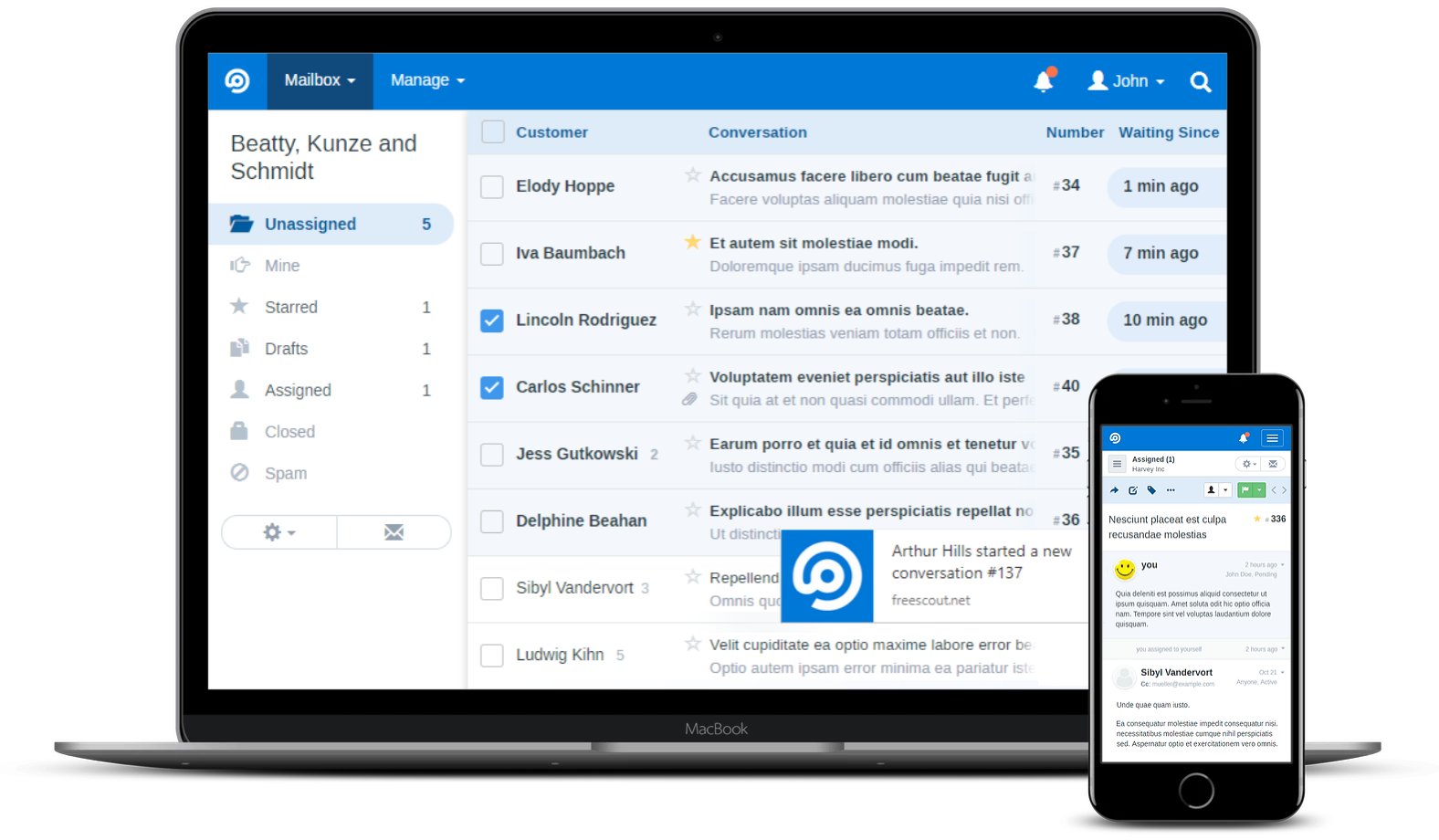
**FreeScout** is the super lightweight free open source help desk and shared inbox written in PHP7 (Laravel 5.5 framework) – self hosted clone of HelpScout. Now you can enjoy free Zendesk & Help Scout without giving up privacy or locking yourself into a service you don't control. FreeScout has been developed from scratch and is not using any copyrighted Help Scout or Zendesk materials.
## Table of Contents
* [Features](#features)
* [Demo](#demo)
* [Mobile Apps](#mobile-apps)
* [Modules](#modules)
* [Requirements](#requirements)
* [News & Updates](#news--updates)
* [Installation](#installation)
* [Contributing](#contributing)
* [Screenshots](#screenshots)
## Features
* No limitations on the number of users, tickets, etc.
* 100% Mobile-friendly.
* Multilingual (English, French, Italian, Polish, Portuguese, Russian, Dutch, German, Spanish, Swedish).
* Seamless email integration.
* Web installer & updater.
* Starred conversations.
* Forwarding conversations.
* Moving conversations between mailboxes.
* Phone conversations.
* Sending new conversations to multiple recipients at once.
* Push notifications.
* Following a conversation.
* Auto reply.
* Notes.
* Pasting screenshots from the clipboard into the reply area.
* Configuring notifications on a per user basis.
* Open tracking.
* Editing threads.
* Search.
Need anything else? Suggest features [here](https://freescout.net/request-feature/).
## Demo
**[Live Demo](https://demo.freescout.net)**
## Mobile Apps