# OneSignal-Flutter-SDK
**Repository Path**: mirrors_OneSignal/OneSignal-Flutter-SDK
## Basic Information
- **Project Name**: OneSignal-Flutter-SDK
- **Description**: OneSignal is a free push notification service for mobile apps. This plugin makes it easy to integrate your flutter app with OneSignal
- **Primary Language**: Unknown
- **License**: MIT
- **Default Branch**: main
- **Homepage**: None
- **GVP Project**: No
## Statistics
- **Stars**: 0
- **Forks**: 0
- **Created**: 2022-01-06
- **Last Updated**: 2026-06-28
## Categories & Tags
**Categories**: Uncategorized
**Tags**: None
## README

### OneSignal Flutter SDK [](https://travis-ci.org/OneSignal/OneSignal-Flutter-SDK)
---
#### ⚠️ Migration Advisory for current OneSignal customers
Our new [user-centric APIs and v5.x.x SDKs](https://onesignal.com/blog/unify-your-users-across-channels-and-devices/) offer an improved user and data management experience. However, they may not be at 1:1 feature parity with our previous versions yet.
If you are migrating an existing app, we suggest using iOS and Android’s Phased Rollout capabilities to ensure that there are no unexpected issues or edge cases. Here is the documentation for each:
- [iOS Phased Rollout](https://developer.apple.com/help/app-store-connect/update-your-app/release-a-version-update-in-phases/)
- [Google Play Staged Rollouts](https://support.google.com/googleplay/android-developer/answer/6346149?hl=en)
If you run into any challenges or have concerns, please contact our support team at support@onesignal.com
---
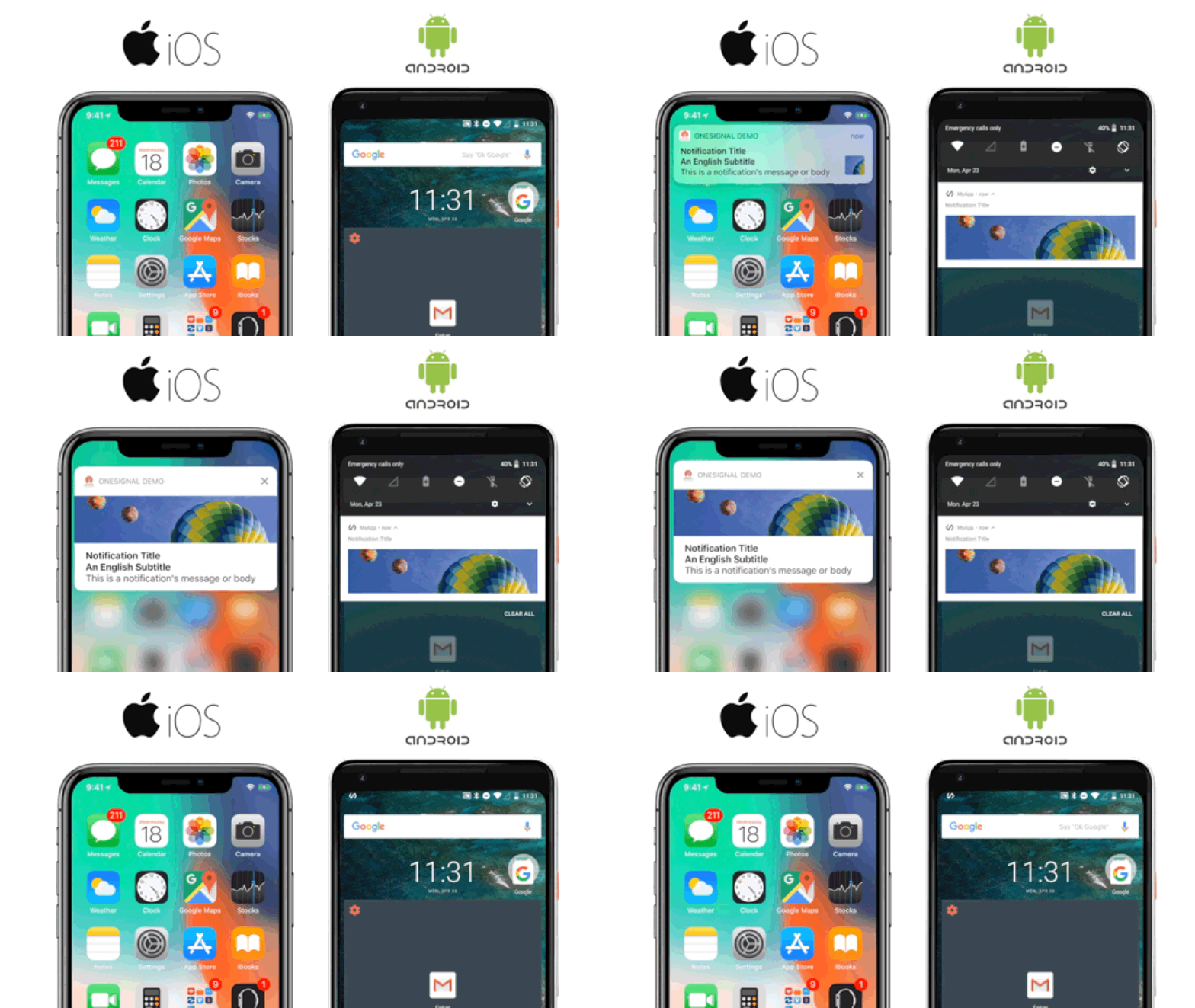
[OneSignal](https://onesignal.com/) is a free email, sms, push notification, and in-app message service for mobile apps. This SDK makes it easy to integrate your Flutter iOS and/or Android apps with OneSignal.
#### Installation
See the [Setup Guide](https://documentation.onesignal.com/docs/flutter-sdk-setup) for setup instructions.
#### Disabling OneSignal Location
If your app does not use `OneSignal.Location`, you can exclude the native OneSignal location module from iOS and Android builds.
For Swift Package Manager, CocoaPods, and Android Gradle builds, set
`ONESIGNAL_DISABLE_LOCATION=true` in the environment before resolving or
building. The value is case-insensitive, and `1` is also accepted.
In GitHub Actions, you can set it once at the job or step level so Swift Package
Manager, CocoaPods, and Gradle builds inherit it:
```yaml
env:
ONESIGNAL_DISABLE_LOCATION: true
```
With the location module disabled, calls to `OneSignal.Location` are ignored on Android and `OneSignal.Location.isShared()` returns `false`.
##### Applying the change (clearing cached packages)
The environment variable is only read when dependencies are **resolved**, and
each platform caches the resolved set. If you change the variable on an existing
project, you must clear the relevant cache and re-resolve in a shell where the
variable is exported. Otherwise a stale build can keep (or drop) the location
module regardless of the new value.
> [!IMPORTANT]
> When using Xcode or Android Studio, launch the IDE from a terminal that has
> `ONESIGNAL_DISABLE_LOCATION` exported. An IDE launched from the Dock/Finder
> does not inherit variables set only in your shell profile.
Swift Package Manager:
```sh
flutter clean
rm -rf ios/.build
rm -rf ~/Library/Caches/org.swift.swiftpm ~/Library/Developer/Xcode/DerivedData/*
ONESIGNAL_DISABLE_LOCATION=true flutter build ios
```
In Xcode, you can instead use **File → Packages → Reset Package Caches** (with
the variable exported), then build.
CocoaPods:
```sh
cd ios
pod deintegrate
rm -rf Pods Podfile.lock
ONESIGNAL_DISABLE_LOCATION=true pod install
```
Android Gradle (Gradle re-reads the variable on each configuration, so a clean
build is usually enough):
```sh
ONESIGNAL_DISABLE_LOCATION=true flutter build apk
```
On CI, key any DerivedData / SwiftPM / CocoaPods / Gradle caches on the value of
`ONESIGNAL_DISABLE_LOCATION` (or skip restoring them for no-location builds) so a
restored cache does not resurrect the location module.
#### Change Log
See this repository's [release tags](https://github.com/onesignal/onesignal-flutter-sdk/releases) for a complete change log of every released version.
#### Support
Please visit this repository's [Github issue tracker](https://github.com/onesignal/onesignal-flutter-sdk/issues) for feature requests and bug reports related specificly to the SDK.
For account issues and support please contact OneSignal support from the [OneSignal.com](https://onesignal.com) dashboard.
#### Demo Project
To make things easier, we have published a demo project in the `/example` folder of this repository.
#### Supports:
* Tested from iOS 8 to iOS 15
* Tested from Android 4.0.3 (API level 15) to Android 12.0 (31)