# axue_qr_code_scanner
**Repository Path**: axue/axue_qr_code_scanner
## Basic Information
- **Project Name**: axue_qr_code_scanner
- **Description**: 基于qr_code_scanner扩展的flutter二维码扫描库
- **Primary Language**: Unknown
- **License**: BSD-2-Clause
- **Default Branch**: master
- **Homepage**: None
- **GVP Project**: No
## Statistics
- **Stars**: 0
- **Forks**: 0
- **Created**: 2021-05-27
- **Last Updated**: 2021-05-27
## Categories & Tags
**Categories**: Uncategorized
**Tags**: None
## README
# QR Code Scanner
[](https://github.com/juliuscanute/qr_code_scanner/actions)
A QR code scanner that works on both iOS and Android by natively embedding the platform view within Flutter. The integration with Flutter is seamless, much better than jumping into a native Activity or a ViewController to perform the scan.
# *Warning*
If you are using Flutter Beta or Dev channel (1.25 or 1.26) you can get the following error:
`java.lang.AbstractMethodError: abstract method "void io.flutter.plugin.platform.PlatformView.onFlutterViewAttached(android.view.View)"`
This is a bug in Flutter which is being tracked here: https://github.com/flutter/flutter/issues/72185
There is a workaround by adding `android.enableDexingArtifactTransform=false` to your `gradle.properties` file.
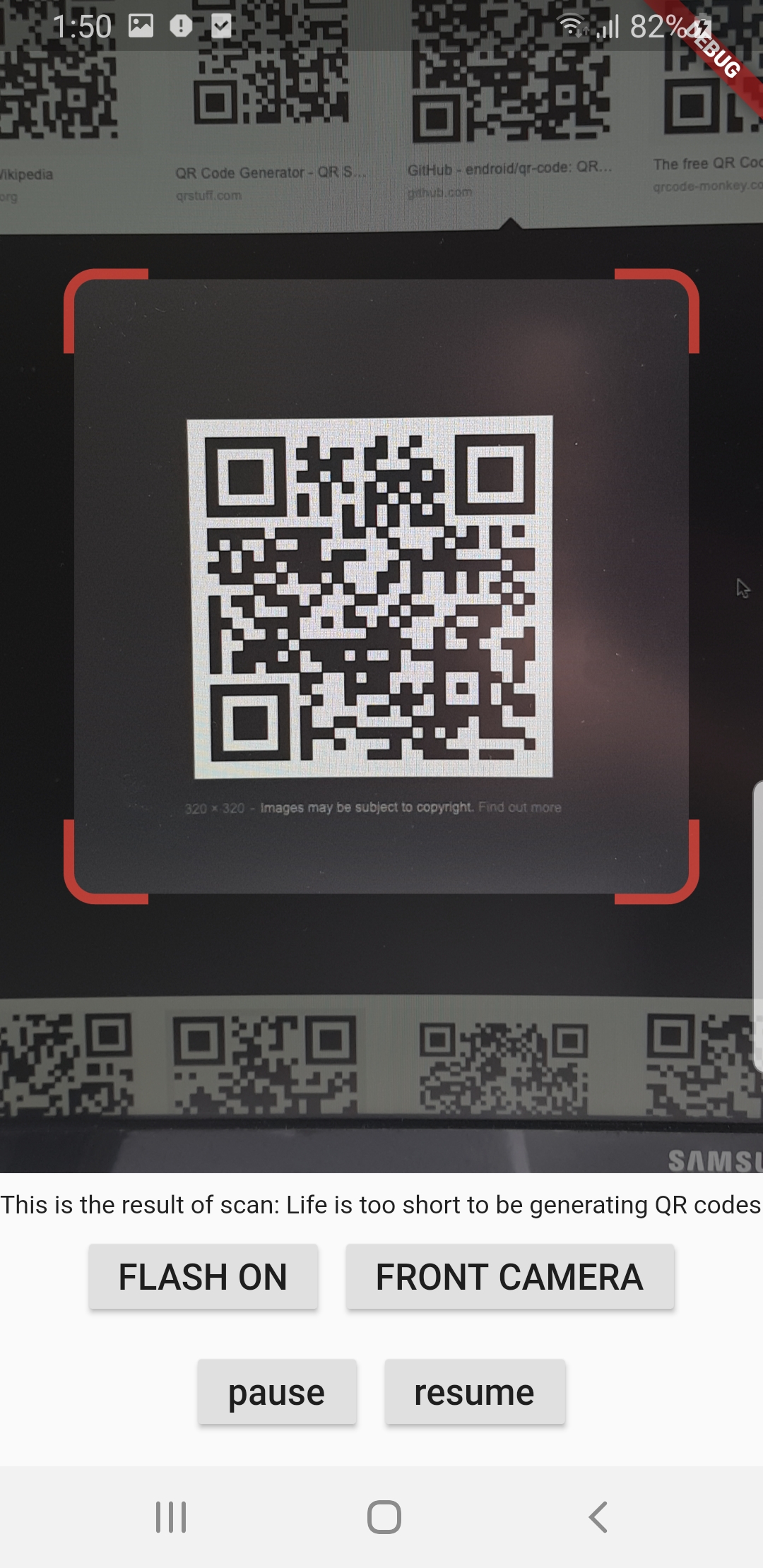
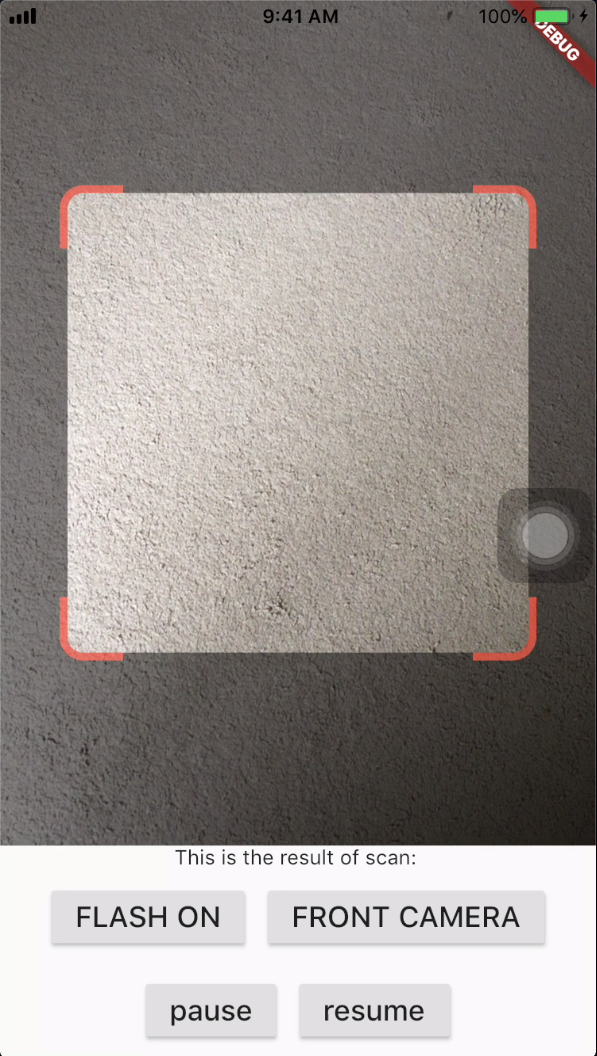
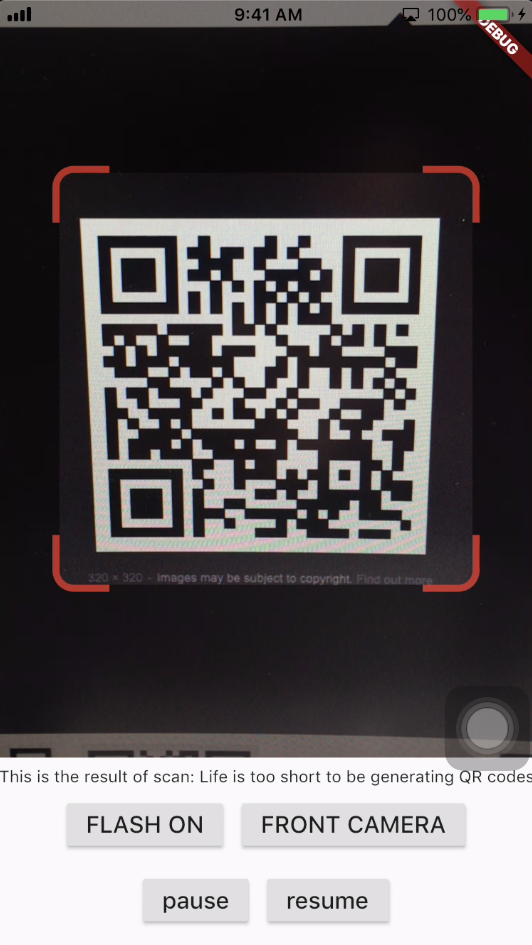
## Screenshots
## Get Scanned QR Code
When a QR code is recognized, the text identified will be set in 'result' of type `Barcode`, which contains the output text as property 'code' of type `String` and scanned code type as property 'format' which is an enum `BarcodeFormat`, defined in the library.
```dart
class _QRViewExampleState extends State {
final GlobalKey qrKey = GlobalKey(debugLabel: 'QR');
Barcode result;
QRViewController controller;
// In order to get hot reload to work we need to pause the camera if the platform
// is android, or resume the camera if the platform is iOS.
@override
void reassemble() {
super.reassemble();
if (Platform.isAndroid) {
controller.pauseCamera();
} else if (Platform.isIOS) {
controller.resumeCamera();
}
}
@override
Widget build(BuildContext context) {
return Scaffold(
body: Column(
children: [
Expanded(
flex: 5,
child: QRView(
key: qrKey,
onQRViewCreated: _onQRViewCreated,
),
),
Expanded(
flex: 1,
child: Center(
child: (result != null)
? Text(
'Barcode Type: ${describeEnum(result.format)} Data: ${result.code}')
: Text('Scan a code'),
),
)
],
),
);
}
void _onQRViewCreated(QRViewController controller) {
this.controller = controller;
controller.scannedDataStream.listen((scanData) {
setState(() {
result = scanData;
});
});
}
@override
void dispose() {
controller?.dispose();
super.dispose();
}
}
```
## iOS Integration
In order to use this plugin, add the following to your Info.plist file:
```
io.flutter.embedded_views_preview
NSCameraUsageDescription
This app needs camera access to scan QR codes
```
## Flip Camera (Back/Front)
The default camera is the back camera.
```dart
await controller.flipCamera();
```
## Flash (Off/On)
By default, flash is OFF.
```dart
await controller.toggleFlash();
```
## Resume/Pause
Pause camera stream and scanner.
```dart
await controller.pauseCamera();
```
Resume camera stream and scanner.
```dart
await controller.resumeCamera();
```
# SDK
Requires at least SDK 21 (Android 5.0).
Requires at least iOS 8.
# TODOs
* iOS Native embedding is written to match what is supported in the framework as of the date of publication of this package. It needs to be improved as the framework support improves.
* In future, options will be provided for default states.
* Finally, I welcome PR's to make it better :), thanks
# Credits
* Android: https://github.com/zxing/zxing
* iOS: https://github.com/mikebuss/MTBBarcodeScanner
* Special Thanks To: LeonDevLifeLog for his contributions towards improving this package.